


Did you also have a cassette recorder for children when you were younger? Did you also record music from the radio as a child and create your own music collection? This works with hörbert too!
hörbert’s recording functions make it easy for your child and of course for you too to play content on hörbert. All hörberts have had these functions as standard since October 2021.
Just like you remember from the past, hörbert behaves like a cassette recorder for children. If you’ve stored internet radio stations in hörbert’s playlists, your child can record their favourite songs from the radio whilst listening to music.
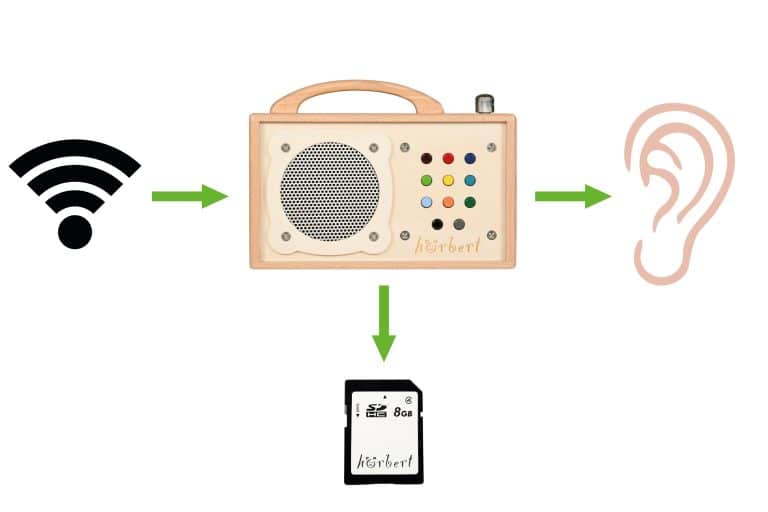
To record internet radio programmes, you press and hold the black button whilst briefly pressing the grey button. Recording begins immediately without interrupting the radio listening. To end the recording, the child presses the black button once more. Child’s play for slightly older children who want to be properly independent. In Browser Set Mode (available for hörbert with Firmware Butterfly), you can also set the recording mode differently, so that for example a recording is started when you press a playlist button for longer. You can then end the recording by pressing a playlist button again.
You set this either in Browser Set Mode (for hörbert with Firmware Butterfly) or with the hörbert software for Windows, MacOS and Linux. You can set for each of your memory cards which playlist contains internet radio stations, and whether recordings are allowed in this playlist. The recordings end up piece by piece at the end of the playlist where the internet radio station is located. Of course, you can also listen to the recordings immediately if you want.
Even without an internet connection, you can always play your own recordings because they’re stored on hörbert’s memory card.
Every hörbert can record music and audio plays whilst being used as a Bluetooth speaker. To do this, you start hörbert as a Bluetooth speaker by switching it on and then immediately switching it off again within about 0.5 seconds. It’s not actually off now, but in Bluetooth speaker mode. Now hörbert is recognisable as a simple Bluetooth speaker on your mobile phone or tablet. You can connect to your hörbert Bluetooth speaker via mobile phone, tablet or computer.
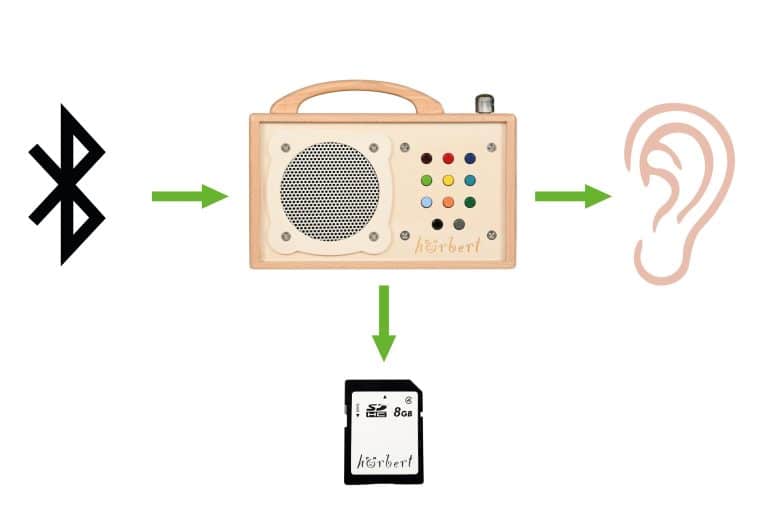
Recording is quite simple: whilst you’re streaming music, audio plays or your own content from your mobile phone to your hörbert, you press a button combination to start recording: press and hold the black button whilst briefly pressing the grey button. To end the recording, you simply press the black button once more.
Bluetooth recordings all end up one after another at the end of a previously selected playlist, which you can set for each of your memory cards either in Browser Set Mode on your mobile phone, tablet or computer, or with the hörbert software. The next time you switch on, the content is immediately available, nicely arranged in a playlist.
hörbert can also do this with its built-in voice microphone. With this microphone, your child has many creative possibilities for recording their own voice or their own music. Recording a few sound bites from grandma is certainly great fun.
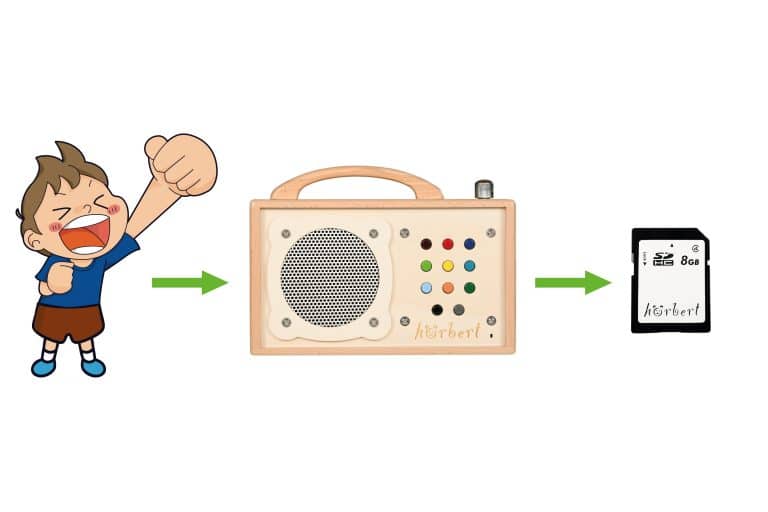
The microphone is built into hörbert and is activated by the recording button combination: whilst hörbert is playing normal content from the memory card – so no internet radio and no Bluetooth streaming is playing – you press and hold the black button whilst briefly pressing the grey button.
Recording starts, and a red light glows in the microphone opening. Recording ends when you press the black button once more. Immediately afterwards, the recording is played back, because every recording is saved directly after the track during which it was started.
You decide individually for each memory card in which playlists your child can make microphone recordings, either via Browser Set Mode for hörbert (available for hörbert from Firmware Butterfly onwards) or with the help of the hörbert software, so that your memory cards always stay organised. With the backup function, you can also save the precious recordings on your computer, because they’re surely beautiful testimonies of childhood.
If you have the built-in microphone (until the end of 2022 the microphone was optional; since 1.1.2023 the microphone is automatically included), the red light also glows during internet radio and Bluetooth recordings. This is practical (and nice to look at.)
What exactly you need to preset so that a recording from the voice microphone, via bluetooth or via internet radio can succeed, you can find out in detail here:
FAQ RECORDINGS WITH HÖRBERT
PayPal utilise Google reCAPTCHA pour renforcer la sécurité du processus de paiement. (Plus d'informations)
Vous êtes actuellement en train de consulter le contenu d'un espace réservé de Vimeo. Pour accéder au contenu réel, cliquez sur le bouton ci-dessous. Veuillez noter que ce faisant, des données seront partagées avec des providers tiers.
Plus d'informationsVous êtes actuellement en train de consulter le contenu d'un espace réservé de YouTube. Pour accéder au contenu réel, cliquez sur le bouton ci-dessous. Veuillez noter que ce faisant, des données seront partagées avec des providers tiers.
Plus d'informationsVous devez charger le contenu de reCAPTCHA pour soumettre le formulaire. Veuillez noter que ce faisant, des données seront partagées avec des providers tiers.
Plus d'informationsVous êtes actuellement en train de consulter le contenu d'un espace réservé de Google Maps. Pour accéder au contenu réel, cliquez sur le bouton ci-dessous. Veuillez noter que ce faisant, des données seront partagées avec des providers tiers.
Plus d'informationsVous devez charger le contenu de reCAPTCHA pour soumettre le formulaire. Veuillez noter que ce faisant, des données seront partagées avec des providers tiers.
Plus d'informations